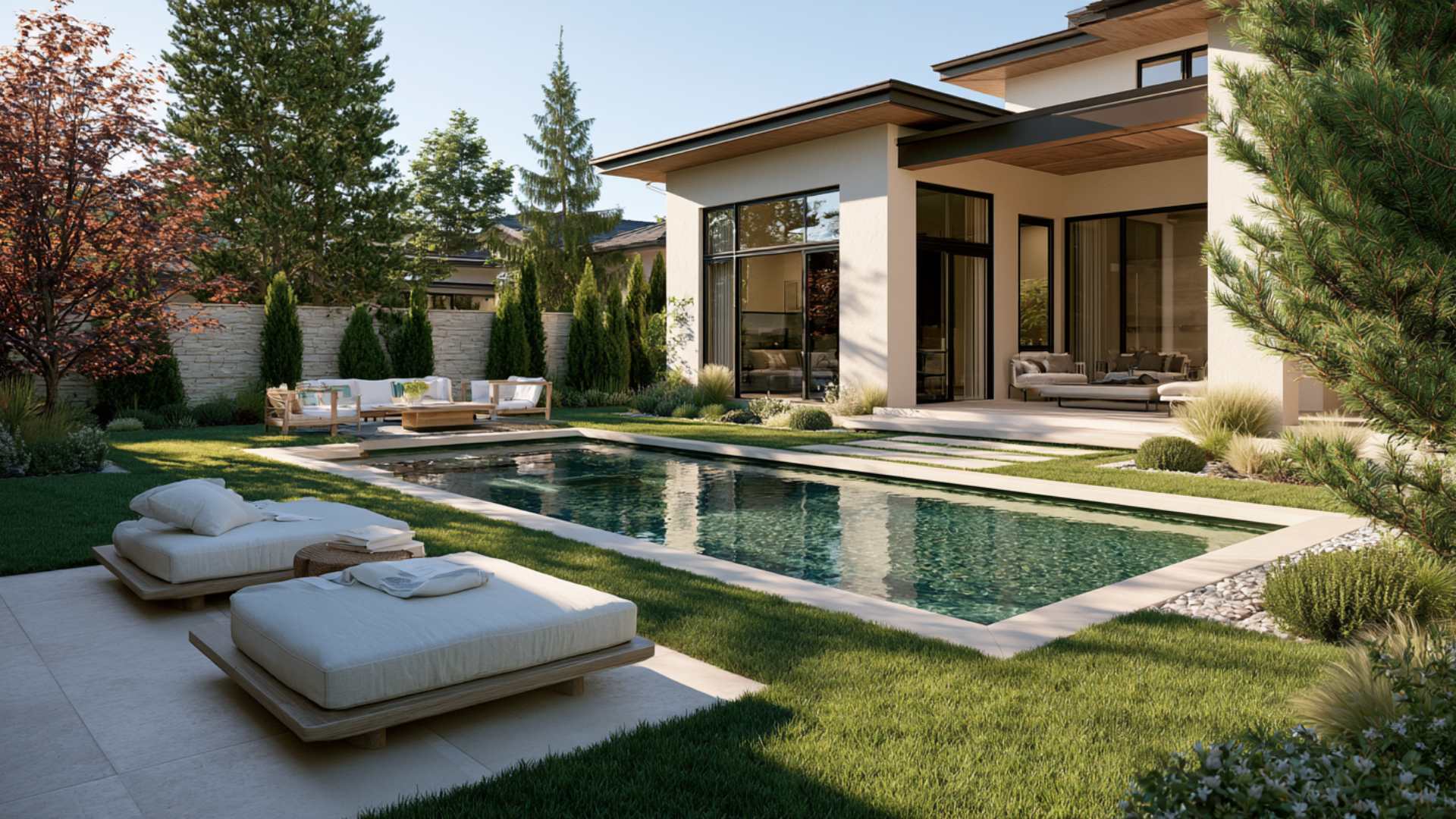
Pool and spa automation uses motorized valve actuators and a controller to reposition water flow between the pool and spa, plus coordinated control of the pump, heater, lights and water features. Instead of walking to the pad, turning two valves by hand, changing the pump speed and switching on the heater, you trigger a scene and the equipment sequences itself.
What a scene looks like
One button: Spa Night
A scene is a saved sequence of equipment states. Triggering one from an app or a wall control does all of this in the right order:
Valves reposition to route flow to the spa
The pump adjusts to the flow the spa jets need
The spa heats toward your target temperature
Lights activate in the colour you saved for the scene
Water features respond — spillover on, deck jets off
Both Jandy AquaLink and Pentair IntelliCenter support this style of one-touch macro across filtration, sanitation, cleaning, lighting and water features, and open platforms do the same across mixed-brand equipment.
Components we commonly automate
Pool and spa lighting, plus landscape lighting where appropriate
Valve actuators for pool/spa switching, spillovers and alternate returns
Waterfalls, bubblers, deck jets and fountains
Spa blower and heating
Pump flow coordination so features actually perform as designed
Pool covers, where the cover supports integration
Swim jets and counter-current systems, as another controllable circuit
Questions
Pool & spa automation FAQ
A motorized head fitted onto an existing valve so a controller can turn it. It converts a valve you currently rotate by hand into one the automation system positions on command — the foundation of pool/spa switching and water-feature control.
Yes, with valve actuators and a controller. The scene handles valve position, pump flow, heating and lighting in sequence. Heat-up time still depends on your heater and spa volume — the automation removes the steps, not the physics.
Yes. Depending on plumbing, features are controlled either by dedicated valves or by pump speed, and often both. Getting features to look right usually means coordinating flow rather than simply switching something on.
A saved combination of equipment states you can trigger with one action — Spa Night, Party Mode, Quiet Evening. Scenes are the point at which automation stops feeling like a control panel and starts feeling like a backyard that responds to you.
Fit check
Who Smart Backyard is for
Strong fit if
You have a spa and currently turn valves by hand to use it
There are waterfalls, bubblers or deck jets on the pool
You entertain and want the yard ready without preparation
Multiple lighting zones already exist
You want one action instead of five
Not the priority if
There is no spa and no water feature to coordinate
Valves are already actuated and controlled to your satisfaction
The pool is simple and used mainly for swimming
Core equipment on the pad needs attention first
AquaLit's recommendation
Automate the valves before you automate anything decorative. Pool-and-spa switching is the change owners use every single week; a lighting scene is the one they show visitors.
Scenes are worth building properly and worth labelling in plain language. The most common failure we find is a capable system where every circuit is named by number, so nobody in the household will touch it.
Valve actuators first — spa mode is the daily win
Coordinate pump flow so features actually perform
Build two or three scenes you will really use, not twelve
Insist that circuits are labelled by what they do
Let's talk about your pool
Call or text for a free pool assessment. We look at the pool, the equipment already on your pad and how you actually use the backyard — then tell you what is worth doing and what is not.
Tell us what you have and how you use the pool. We'll walk the equipment pad, ask what you ultimately want controlled, and give you an honest recommendation — including the upgrades we'd skip.